You can set processing options for a file:
- In Project Settings
- In the File Inspector
The one you choose depends on whether you want to adjust settings for one file, or all files of that type.
In Project Settings

Click the gear-shaped button on the left side of CodeKit's window to open Project Settings.
Next, choose the language for which you want to adjust options. You'll see a screen like this:
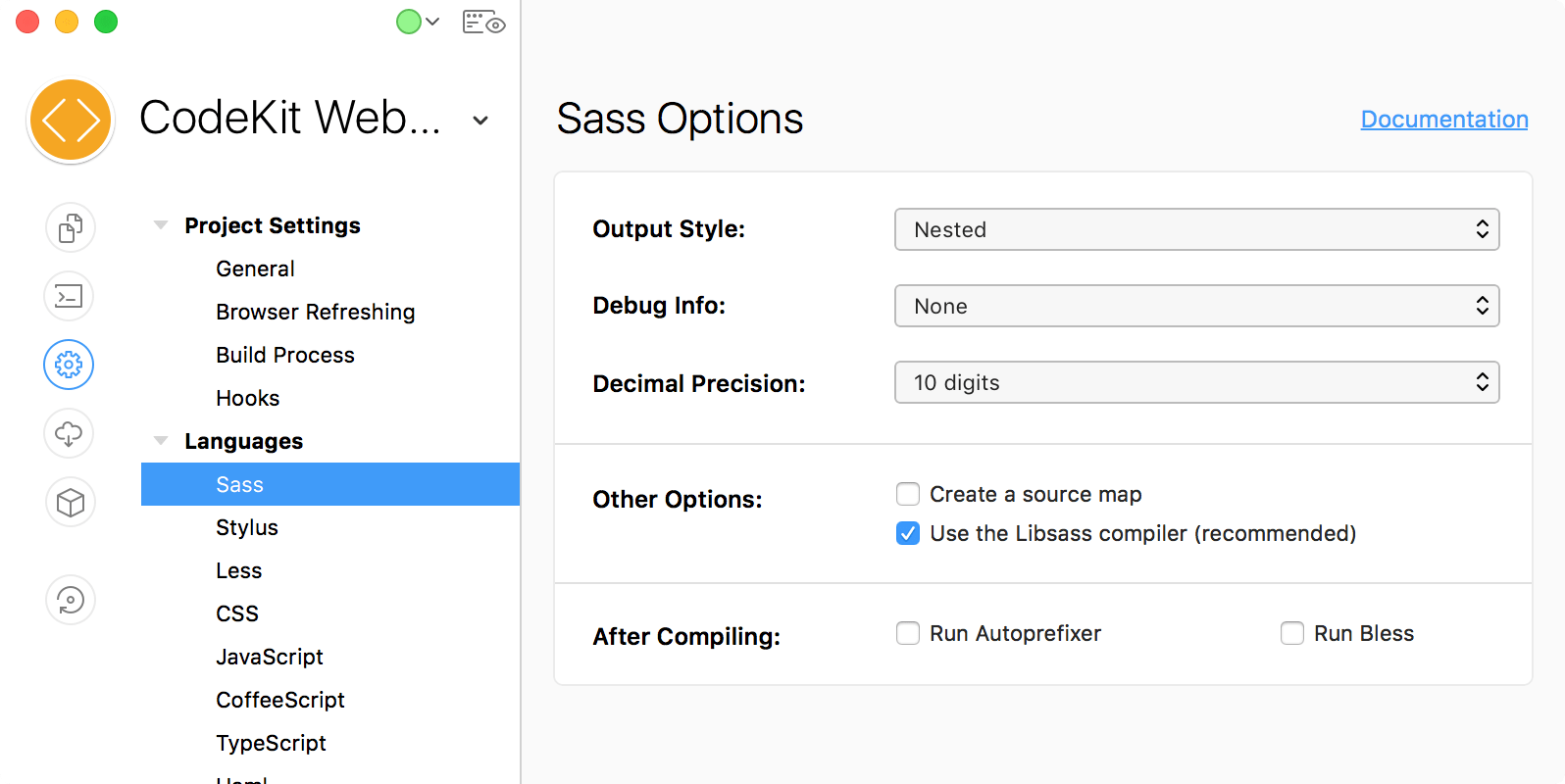
When you change an option in Project Settings, that change is applied to all files of that type in the Project. For example, if we selected a different Output Style in the window above, all Sass files in the project would adopt the change.
In The File Inspector
Some options can be set on a file-by-file basis as well. Select a file and look at the Inspector Pane on the right:
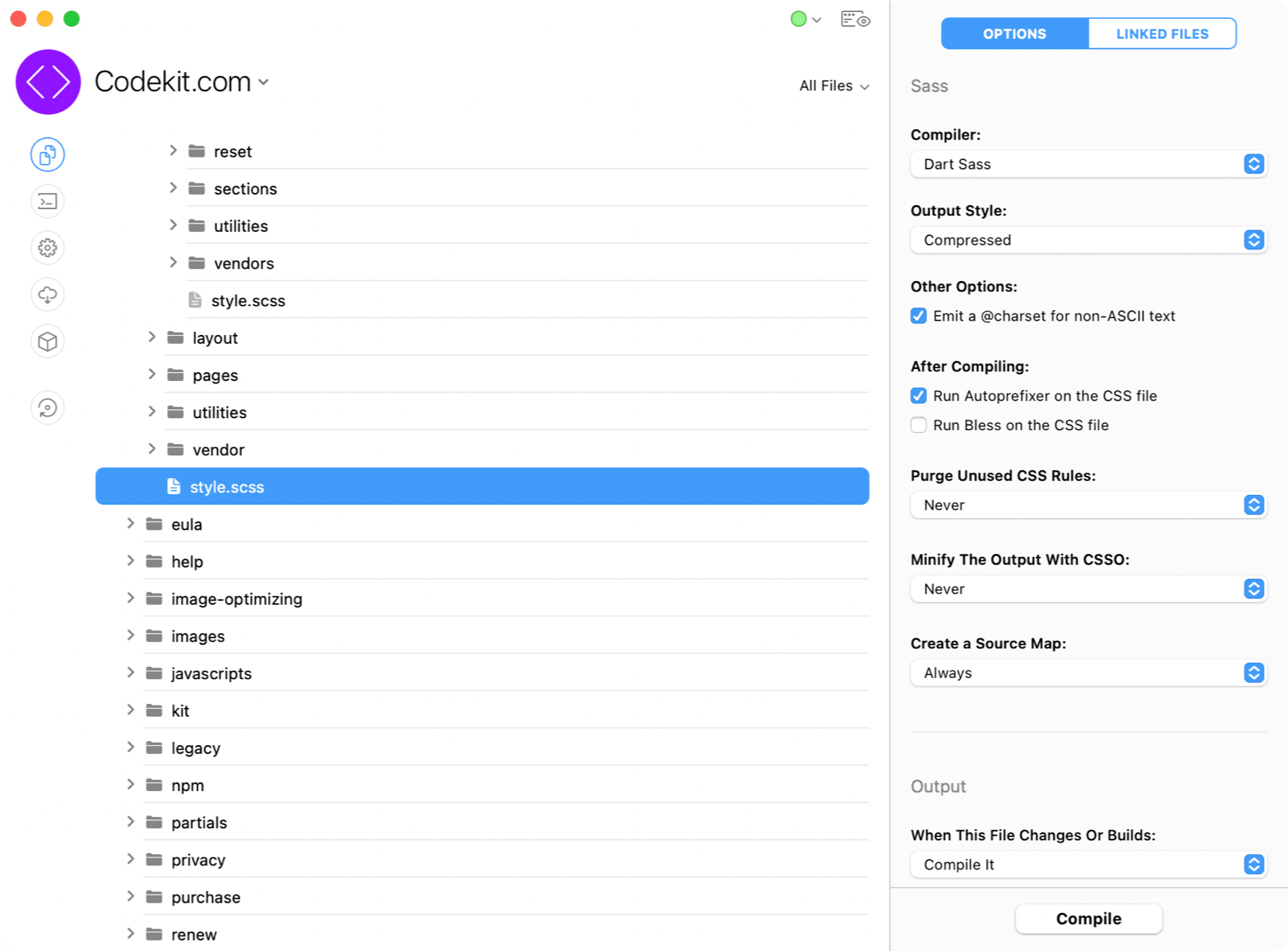
Changing an option here affects only the selected file.
Keep in mind that if you change an option in Project Settings, any custom values you have set for that option on a file-by-file basis will be overwritten.
Set Defaults
You can tell CodeKit to start new projects with your custom settings. See Defaults For New Projects.