What's A Build?
A Build is just a set of steps that CodeKit performs to process everything in your Project at once.
You get to define the steps and, optionally, add custom ones that can make CodeKit do anything.
Opening The Build Area
Click the bottom Command Button in the main window:
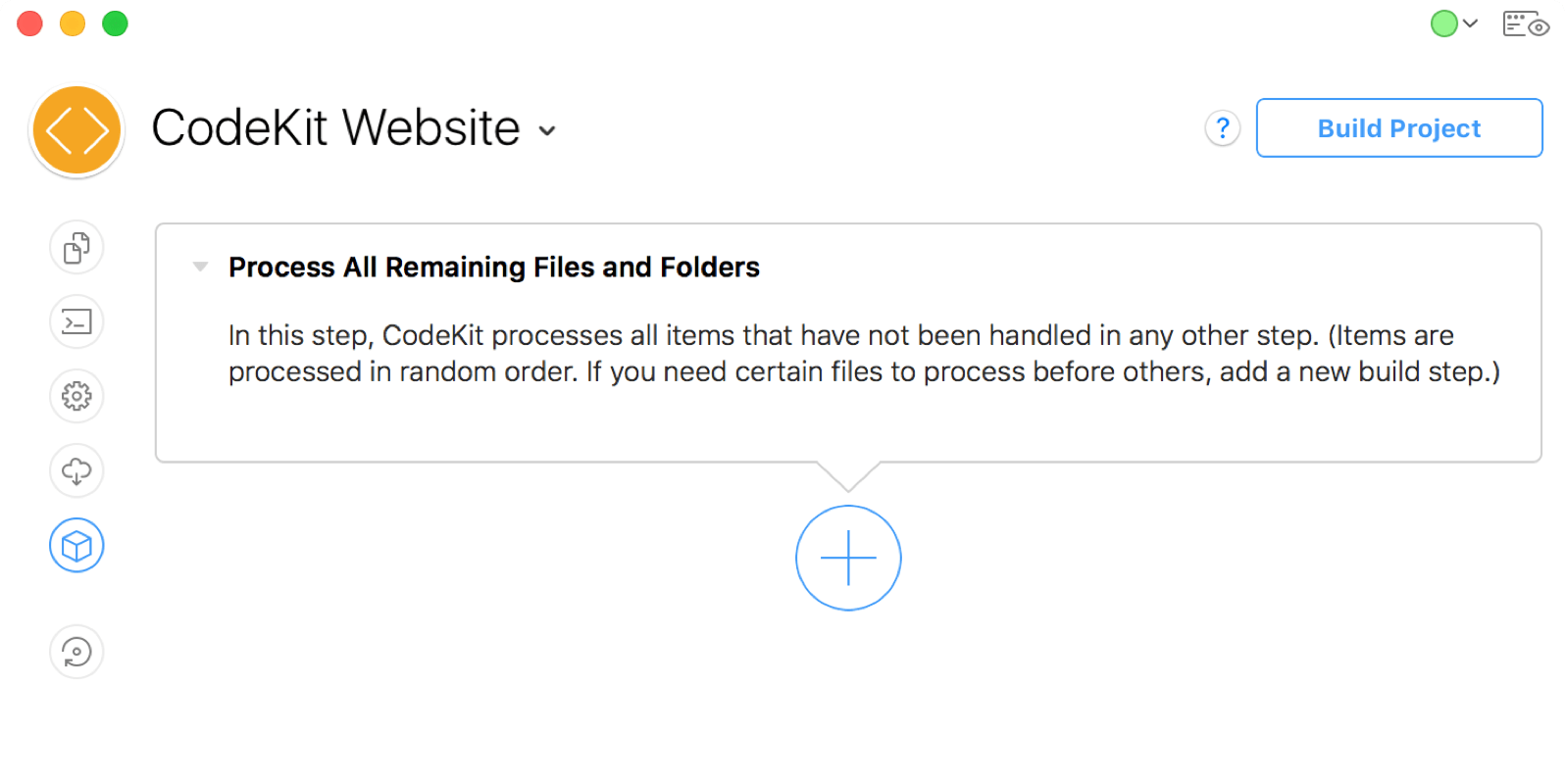
This window shows each step CodeKit will perform when building your project. Initially, there's only one:
The "Process Remaining" Step
This is the default Build Step. It exists for all Projects and cannot be removed. When it runs, CodeKit processes every file that has an Output Action other than Ignore.
For files set to Process, CodeKit runs any built-in processing and then runs any Hooks that apply to that file. Files set to Copy are copied to their output locations, then any applicable Hooks are run.
Step Order
Steps run in top-down order. Each step completes before the next one starts. To change the order, drag a step up or down.
Naming Steps
You can rename a step by clicking its title. This does not apply to the "Process Remaining" step, which cannot be renamed.
Adding New Steps
Click the giant "+" button to add a step. There are two types to choose from:
"Run Script" Build Step
This type of step lets you define a custom Bash script or AppleScript that CodeKit should run. You can use this to do literally anything, including running node.js scripts, uploading your site to a server, and more.
"Process Certain Files" Build Step
Sometimes, you need to compile some files before others. This type of Build Step lets you tell CodeKit to do that. Add certain files to the step, then drag it above the "Process Remaining Files" step.