HTML with superpowers.
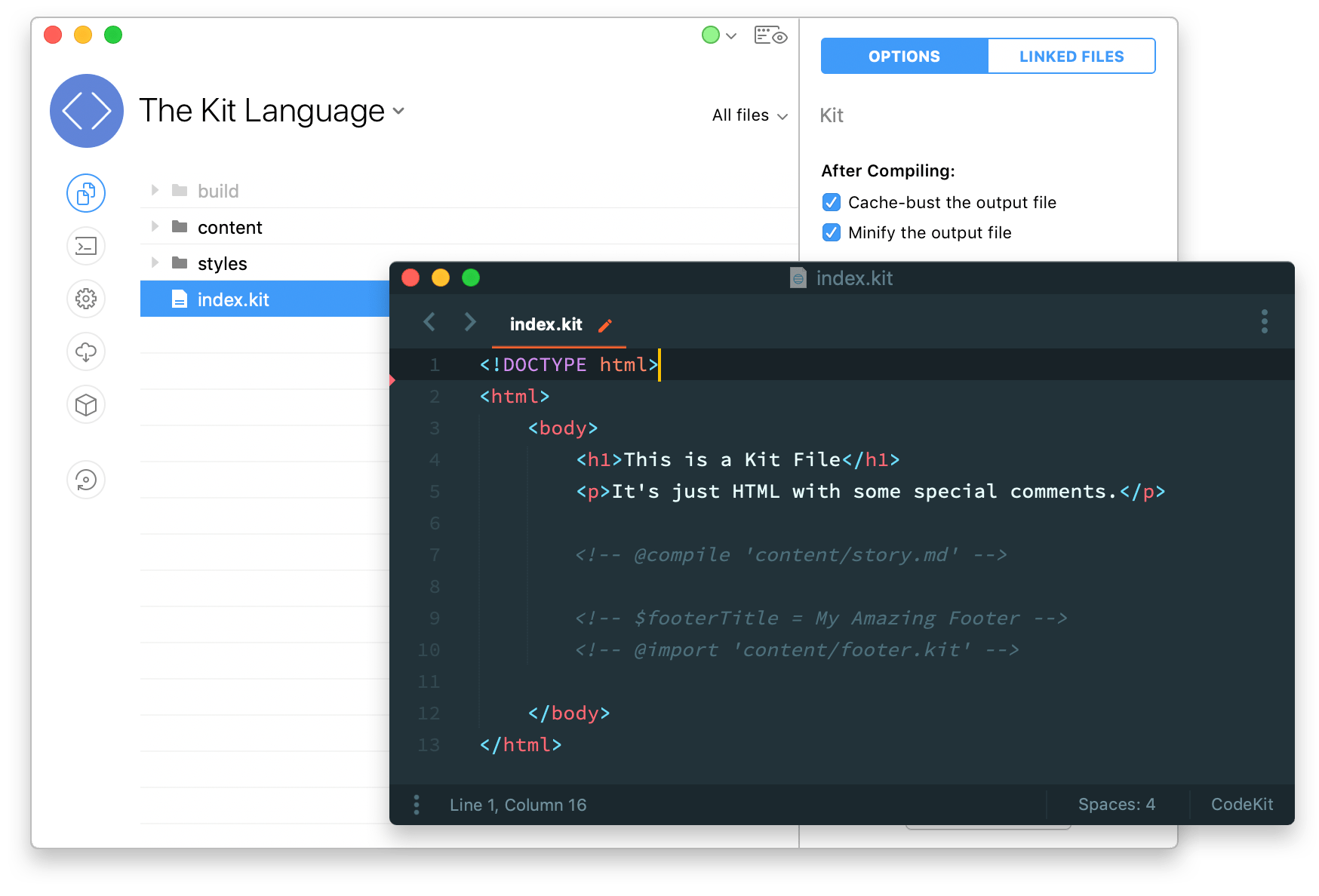
The Kit language is just HTML with special comments. It adds imports and variables. CodeKit is a Mac app that compiles Kit files into HTML.
Import Anything, Anywhere
You don't need PHP just to import a footer. Kit can import anything and CodeKit can even process it first, if needed.
Simple Syntax
Import any file with a single line:
<!-- @import 'path/to/footer.html' -->
Automatically Compile Languages
If you're importing something that's not HTML, CodeKit can compile it for you and drop the output into place:
<body>
    <div>
        <!-- @compile 'content/page1.md' -->
    </div>
</body>
Easily Inline CSS
You're building an HTML email, so you can't use a separate CSS file. Wrong. Just use a @compile statement, and CodeKit will process your Sass, Less, Stylus, or CSS file:
<head>
    <style>
        <!-- @compile 'sass/styles.scss' -->
    </style>
</head>
Base64 Encode Images
You can turn any imported file into a base64 string, which is perfect for images:
<img src="data:image/png;base64, <!--@import-base64 'myImage.png'-->">
Variables
The flexibility of a dynamic website with the speed and simplicity of a static one.
Easy to Declare
Variables are always simple strings. They can hold anything:
<!-- $title = An Amazing Footer Title -->
<!-- $content = <p>Some html content</p> -->
Easy to Use
Use a variable at any point after you declare it. In the same file, or in an imported file:
// base.kit
<body>
    <!-- $title = An Amazing Footer Title -->
    <!-- $content = <p>Some html content</p> -->
    <!-- @import 'footer.kit' -->
</body>


// footer.kit
<footer>
    <h1><!-- $title --></h1>
    <!-- $content -->
</footer>


// Compiled output (base.html)
<body>
    <footer>
        <h1>An Amazing Footer Title</h1>
        <p>Some html content</p>
    </footer>
</body>
Optionals
Add a ? to the end of a variable and it becomes "optional". If it's undefined, CodeKit won't throw an error; it just skips it. This makes things like active classes on nav items easy.
// page.kit
<div class='<-- $someClass? -->'>
</div>

// Compiled output (page.html)
<div class=''>
</div>
Watch The Screencast
A walkthrough of the Kit language in 6 minutes. Or read the full documentation.
More Than Just Kit
CodeKit isn't just a Kit compiler. It makes every part of building for the web easier. Use as much or as little as you like:
-
 Image Optimization
- Reduce PNG, GIF, JPEG, and SVG file sizes by up to 75% for faster page-loads. Details »
-
 Browser Refreshing
- Auto-refresh and sync browsers across devices as you work. No plugins. No setup. Details »
-
 Install npm Packages
- Install, update, and manage over 1.3 million packages with one click. In a beautiful GUI. Details »
-
 Minify & Bundle JavaScript
- Combine and minify JS files. Transpile with Babel. Bundle ES6 modules. No config files. Details »
...and much more. See everything CodeKit does
Buy once. Use forever.
No subscription — a one-time purchase with 13 months of free updates, and old versions keep working forever. Renew only when you want new features.